ND filters for drones explained, when and which to use
How neutral density filters control shutter speed for smoother drone video. Learn ND strengths, the 180-degree rule and when filters help or hurt.
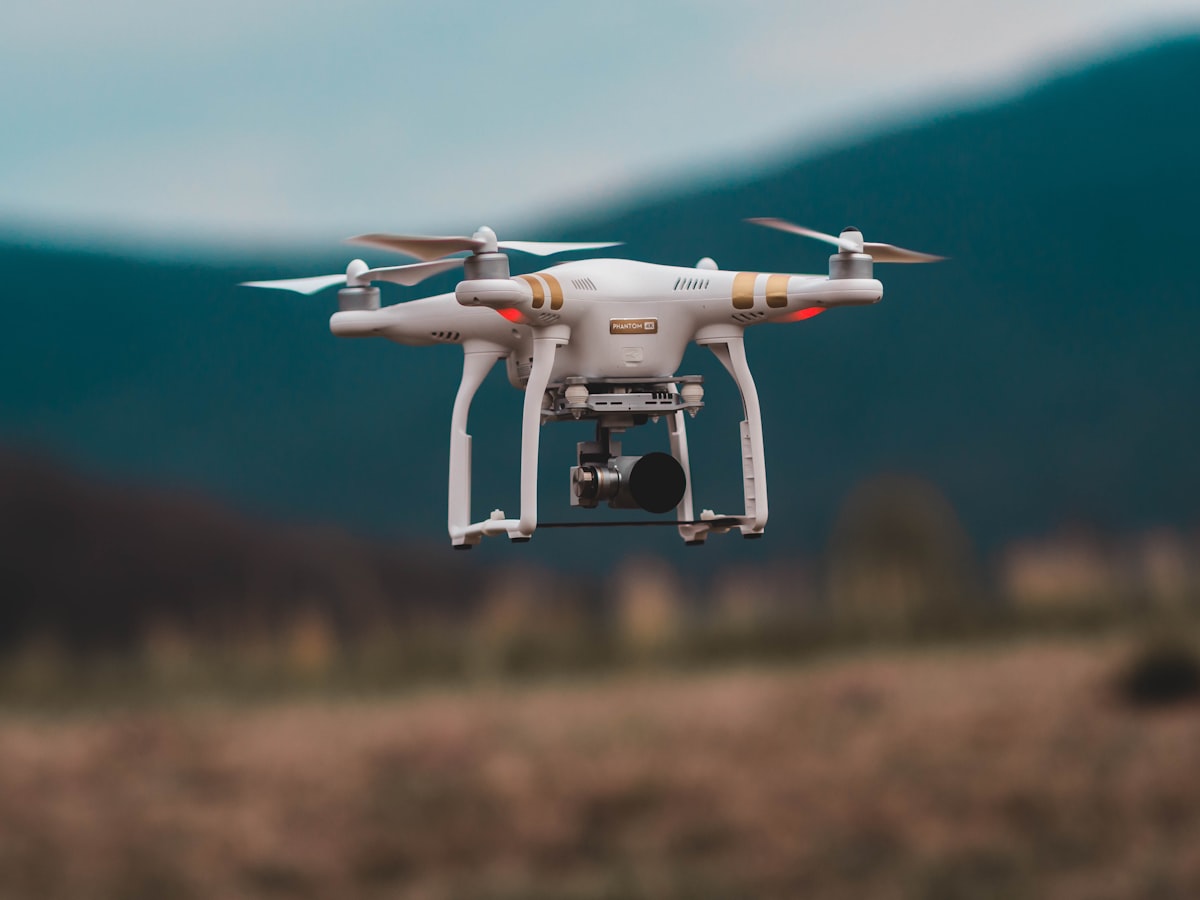
A neutral density (ND) filter is a piece of dark glass that cuts the light reaching your sensor so you can use a slower shutter speed in daylight. On a drone that means smoother, more cinematic video without overexposing the shot.
Most consumer camera drones as of 2026 lock their aperture, so shutter speed and ISO are the only tools you have to control exposure. In bright sun that forces a very fast shutter, which makes motion look choppy. ND filters solve that problem, and once you understand the numbers they are simple to use.
Why do you need an ND filter at all?
You need one because bright daylight forces your shutter too fast, and fast shutters make video look stuttery. Slowing the shutter reintroduces natural motion blur that the eye expects from moving footage.
The guiding principle is the 180-degree shutter rule. Set your shutter speed to roughly double your frame rate. At 24 frames per second that means a shutter of about 1/50 second, and at 30 fps about 1/60. Without a filter, hitting 1/50 in sunlight would blow out the highlights completely, so you need an ND to darken the scene enough to keep that shutter speed.
For stills the case is weaker. Photographers can change aperture on larger cameras and often want fast shutters to freeze detail. ND filters matter most for video, and for long-exposure stills of water or clouds.
Which ND strength should you pick?
Pick the strength based on how bright the scene is, then confirm your shutter lands near the 180-degree target. ND filters are rated by how many stops of light they remove, and the numbering can be confusing.
Common conventions you will see:
- ND4 removes 2 stops, ND8 removes 3 stops, ND16 removes 4 stops, ND32 removes 5 stops, ND64 removes 6 stops.
- Some brands label filters by the multiplier (ND8 lets through one eighth of the light), others by stops. Read the packaging carefully.
A practical starting guide for 24 to 30 fps video:
- Overcast or golden hour: ND4 or ND8.
- Bright but hazy: ND16.
- Full midday sun: ND32.
- Sun over snow, water or sand: ND64.
The right choice is whatever lets you set ISO to base (usually 100) and shutter to the 180-degree value with correct exposure. If you cannot reach that shutter, swap to a stronger or weaker filter.
What are variable ND filters, and are they worth it?
A variable ND filter combines two polarising layers you rotate to change the strength on the fly, covering a range such as ND2 to ND32 in one piece. They are convenient but come with trade-offs.
Advantages:
- One filter covers many conditions, so you carry less and swap less.
- You can fine-tune exposure in the air without landing.
Drawbacks:
- Cheaper variable filters can add a colour cast or an uneven dark cross when pushed to the extreme end of their range.
- The extra glass and rotation ring add a little weight, which can matter for gimbal balance on lighter drones.
If you want to understand how hardware choices sit inside the wider rules for where and how you can fly, the structured guides and practice questions in the dronexamine trainer give you that regulatory context alongside the technical side.
Do ND filters affect flight or the gimbal?
They add a small amount of weight to the front of the camera, which most gimbals handle without issue, but very heavy filter stacks can strain the motors. Fit the filter gently and let the gimbal recalibrate if the app prompts you.
Points to watch:
- Balance. Manufacturers design gimbals with a weight margin for filters. Stick to filters made for your model and you stay within it.
- Press-fit vs twist-on. Follow the mounting method your filter uses and never force it, because the gimbal is a delicate assembly.
- Fingerprints. Handle filters by the frame. A smudge in the centre of the frame is far more visible on a wide drone lens than you expect.
If a gimbal error appears after fitting a filter, remove it, restart the drone on a level surface, and let the gimbal self-calibrate before trying again.
How do you set exposure with an ND filter fitted?
Set ISO to base, fix your shutter to the 180-degree value, then choose the ND strength that gives correct exposure at those settings. Shoot in manual so the drone does not fight your choices.
A repeatable field workflow:
- Decide your frame rate and calculate the target shutter (frame rate times two).
- Set the camera to manual, ISO 100.
- Fit an ND filter you expect to suit the light.
- Check the histogram or exposure meter. If highlights clip, go stronger; if the image is dark at base ISO, go weaker.
- Confirm the shutter is at or near the target before you fly.
Carrying a small set (ND8, ND16, ND32, ND64) covers almost every daylight situation you will meet.
Common questions
Do I need ND filters for photos or just video? Mostly video. Stills benefit from ND only for long exposures, such as smoothing water or blurring clouds. For everyday aerial photos you can control exposure with shutter and ISO alone.
Will an ND filter reduce image quality? A good quality filter has negligible effect. Cheap filters can soften detail or add a colour cast, so buy filters designed for your drone from a reputable maker and keep the glass clean.
Is a polarising filter the same as an ND filter? No. A polariser reduces glare and deepens skies by blocking reflected light at certain angles, and it also darkens the image by one to two stops. Some drone filters combine both functions, but they do different jobs.
Can I leave an ND filter on all the time? No. In low light an ND filter forces your ISO higher and adds noise. Remove it for dawn, dusk and night flying, and match the strength to the conditions each time you fly.
Your next step
Buy a small ND set matched to your drone, then practise the 180-degree workflow on a bright day: base ISO, shutter at double your frame rate, and the filter that balances exposure. Once that becomes second nature your daylight video will look noticeably smoother. When you want to connect this hardware skill to the rules that decide where you can legally capture that footage, the guides at dronexamine walk you through the operational side step by step.
Related articles
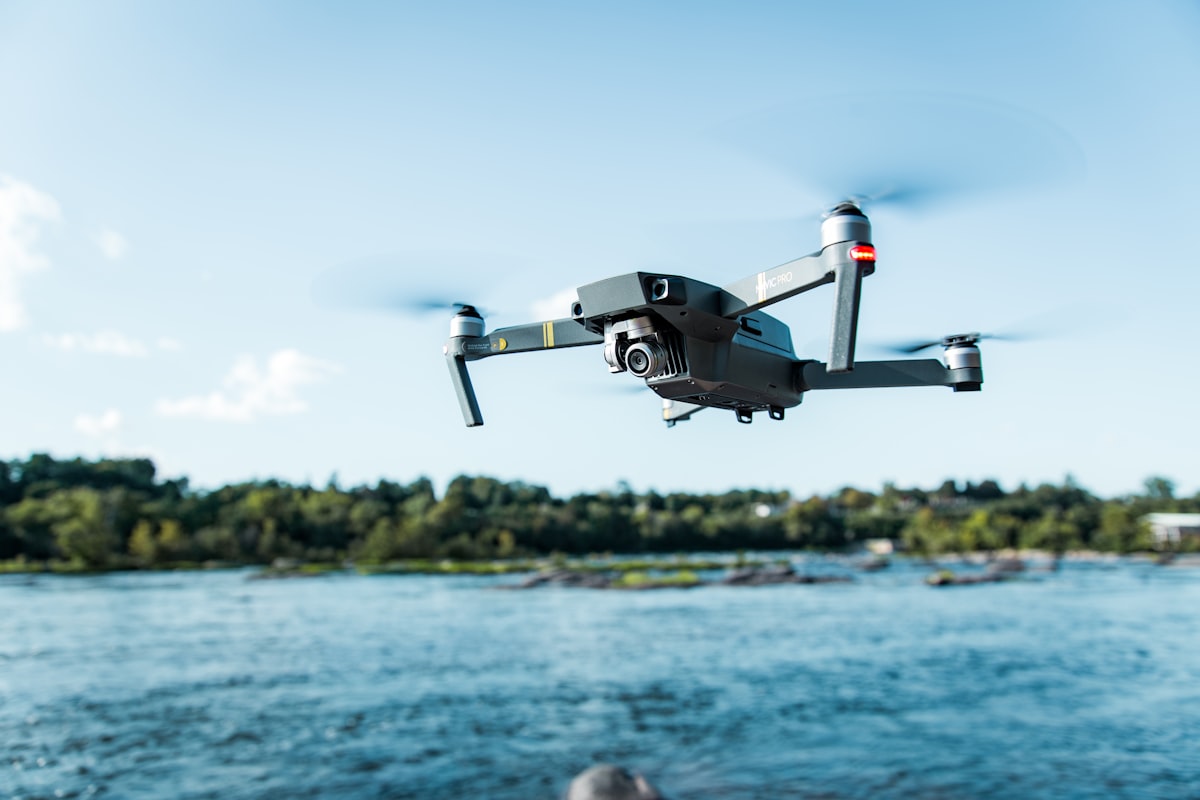
How drone gimbal stabilization works and how to keep it
Understand how a 3-axis drone gimbal keeps footage steady, what causes jitter and drift, and how to calibrate and protect it for smooth aerial video.
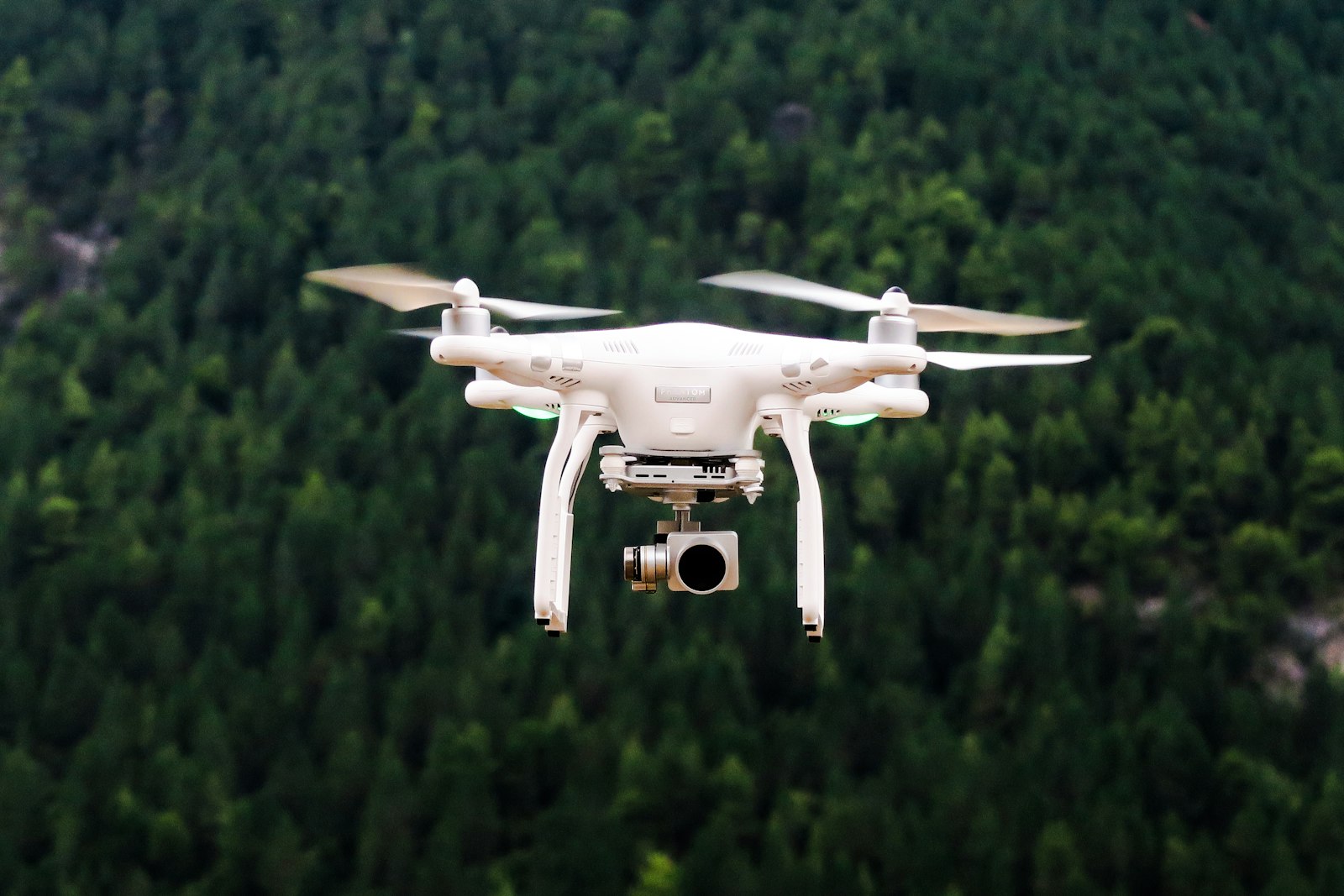
Aerial photography settings and ND filters explained
Camera settings for aerial photos and video, when to use ND filters, and how to shoot cinematic drone footage. Concrete shutter, ISO and frame rate advice.
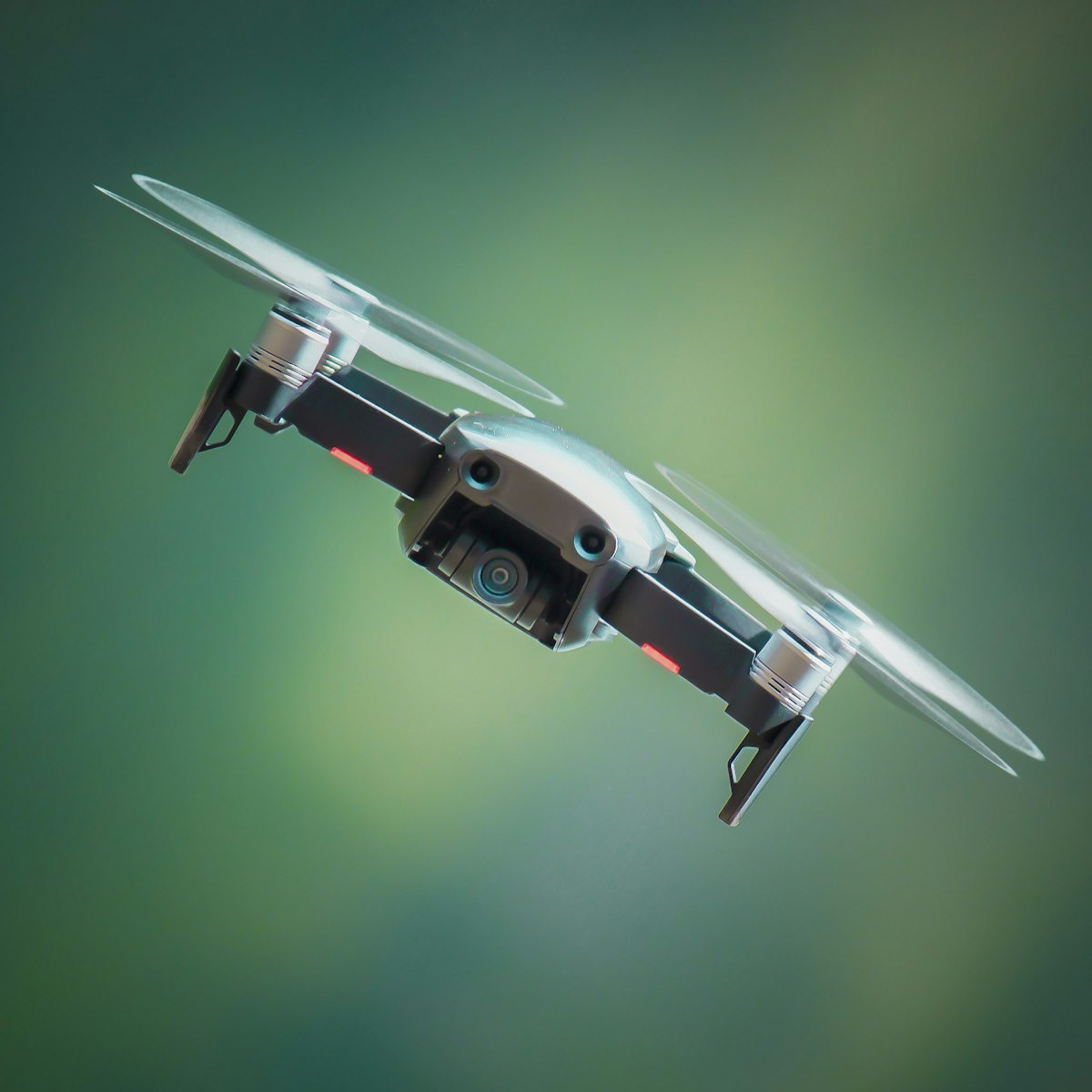
Foldable vs fixed-arm drones, which design suits you
Compare foldable and fixed-arm drones on portability, durability and reliability so you can pick the right airframe design for how you actually fly.