What is Remote ID for drones and do you need it?
Remote ID explained for EASA drone pilots: what it broadcasts, which drones need it, and how it fits Regulation 2019/947. A clear, practical overview.
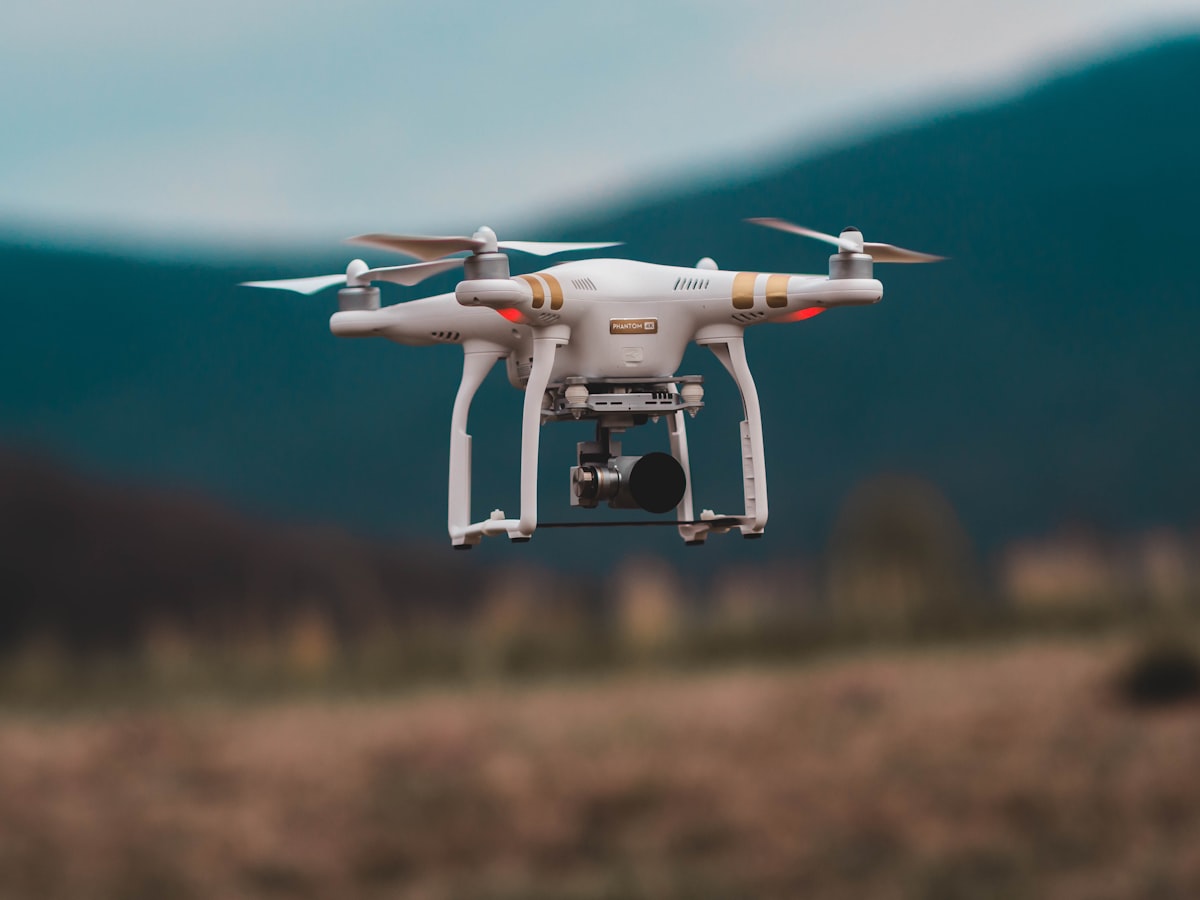
Remote ID is a system that lets your drone broadcast its identity and position so authorities and others can identify it in flight, a bit like a digital licence plate. In EASA countries it is required for many drones flown in the Open and Specific categories as of 2026, though the exact scope depends on the drone’s class and your operation.
This guide explains what Remote ID does, who needs it, and how to comply without the confusion.
What information does Remote ID broadcast?
Remote ID broadcasts data such as the operator registration number, a unique drone serial or session identifier, the drone’s position and altitude, and often the take-off point and the pilot’s location. It transmits this locally so anyone with a suitable receiver nearby can see who is flying and where.
Under the EASA framework, direct Remote ID typically includes:
- The operator registration number.
- A unique serial number for the drone.
- Real-time position and altitude of the aircraft.
- The take-off location and time.
- The geographical position of the remote pilot or the take-off point.
The purpose is accountability and airspace safety. It allows authorities to identify a drone flying somewhere it should not be, and it supports the wider goal of integrating drones safely into shared airspace. It is a broadcast, not two-way tracking by a central server, in the direct Remote ID model used across EASA.
Which drones need Remote ID?
In the EASA system, direct Remote ID is generally required for class-marked drones in classes C1, C2, C3 and often others, and for operations in the Specific category. The lightest C0 drones under 250 grams without certain features may be exempt, but you must confirm your specific case.
As a practical guide as of 2026:
- C1, C2, C3 drones are built with Remote ID and are expected to broadcast it in most operations.
- Specific category operations typically require Remote ID as part of the authorisation.
- The smallest C0 drones under 250 grams may not need it, depending on their capabilities.
- Older legacy drones without a class mark fall under transitional and national rules that vary by country.
Because national implementation and transitional arrangements differ, do not assume. Confirm whether your particular drone and operation require Remote ID with your national aviation authority. Getting this right is exactly the kind of detail the dronexamine trainer helps you keep straight alongside the rest of the rules.
How does Remote ID fit into Regulation 2019/947?
Remote ID is part of the wider EASA drone framework built on Regulation 2019/947 and its companion regulations, which set out the Open, Specific and Certified categories and the class marks that determine equipment requirements. Remote ID is one of the technical building blocks that makes these categories work in practice.
Within this structure:
- Regulation 2019/947 defines how and where you can operate, split into the Open, Specific and Certified categories.
- The companion technical regulation defines the drone classes (C0 to C4) and the equipment they must carry, including Remote ID capability.
- Remote ID provides the identification layer that supports safe integration and enforcement across those categories.
In short, the category tells you how you may fly, the class tells you what your drone must be, and Remote ID is part of what a compliant class-marked drone must be able to do. These pieces are designed to work together across all EASA member states, with some national variation in the finer points.
How do you activate and check Remote ID?
For a class-marked drone, Remote ID is built in and activates through the official app once you enter your operator registration number correctly. Your main job is to register as an operator, enter that number, and confirm the feature is on before you fly.
Steps to get compliant:
- Register as a drone operator with your national aviation authority and obtain your operator registration number.
- Enter that number into the drone’s app or system exactly as issued.
- Confirm in the app that Remote ID is active, since it broadcasts your registration and flight data.
- Keep firmware up to date, as Remote ID behaviour can change with updates.
If you fly an older drone without built-in Remote ID, some jurisdictions allow an add-on broadcast module, subject to national rules. Check whether that route is accepted where you fly before relying on it.
What happens if you fly without required Remote ID?
Flying without required Remote ID can put you outside the rules of your operational category, which may expose you to enforcement action and penalties that vary by country. Beyond the legal risk, you also lose the accountability the system is designed to provide.
Points to keep in mind:
- Operating a drone that should broadcast Remote ID but does not may make the flight non-compliant.
- Penalties, from warnings to fines, are set nationally and differ between EASA states.
- Correct operator registration and an active Remote ID broadcast are straightforward to arrange, so there is little reason to fly without them.
Treat Remote ID as a basic part of getting airborne legally, alongside registration and respecting no-fly zones, rather than an optional extra. The systems that check for it are becoming more capable over time.
Common questions
Is Remote ID the same as GPS tracking by the government? No. Direct Remote ID is a local broadcast that nearby receivers can pick up, showing your drone’s identity and position. It is not a central government feed that continuously tracks every drone from a server. Its purpose is local identification and accountability, similar to a visible licence plate.
Does my sub-250 gram drone need Remote ID? It depends on the drone’s class and features. The lightest C0 drones may be exempt, but a sub-250 gram drone with certain capabilities might still fall under the requirement. Rules also vary by country. Confirm your specific drone and operation with your national aviation authority before flying.
Can I add Remote ID to an older drone? Possibly, using an add-on broadcast module, but acceptance depends on your national rules and the operation you intend. Some jurisdictions permit modules for legacy drones while others handle older aircraft under transitional arrangements. Check what your national aviation authority accepts before buying a module.
Do I need Remote ID to fly indoors? Generally the drone regulations, including Remote ID, apply to outdoor operations in shared airspace rather than fully enclosed indoor spaces. However, rules and interpretations vary, so if you plan public or commercial indoor flying, confirm the requirements with your national aviation authority rather than assuming.
Your next step
Check three things before your next flight: that you are registered as an operator, that your registration number is entered correctly in the app, and that Remote ID shows as active for your drone. If you are unsure whether your specific drone needs it, contact your national aviation authority. To keep the whole picture of categories, classes and identification clear in your mind, work through the dronexamine guides, which tie Remote ID into the rest of the EASA framework.
Related articles
How to choose your first drone by need and class
How to pick your first drone by weight class, use case and budget. Understand C-classes, the sub-250 gram advantage and what features actually matter.
Photogrammetry basics, drone mapping for beginners
How drone photogrammetry works, how to plan flights with overlap and GSD, and what gear you need to turn photos into accurate maps and 3D models.
GPS interference and jamming, flying drones safely
How GPS jamming and interference affect drones, how to recognise it, and how to fly safely when your positioning is unreliable. Practical safety guidance.