Drone pre-flight checklist for safe, legal flights
A complete pre-flight checklist for drone pilots covering aircraft, environment, airspace and settings so every flight starts safe and legal.
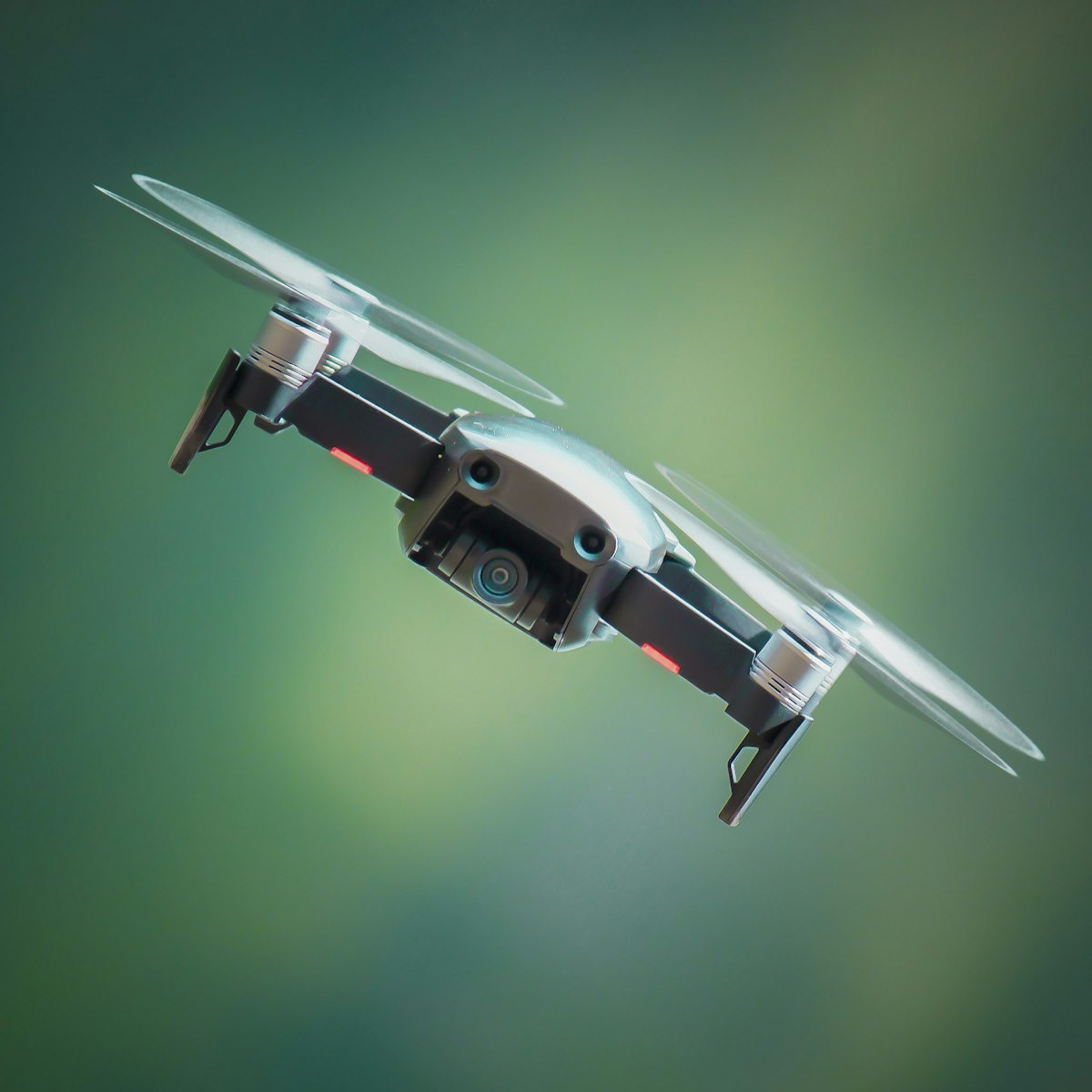
A pre-flight checklist is a short, fixed routine you run before every takeoff to confirm the drone, the site and the airspace are safe and legal. Working through the same steps each time catches the small problems that cause most incidents.
Professional aviation runs on checklists for a reason: memory fails under pressure and in a hurry. As of 2026, under EASA rules (Regulation 2019/947) you remain responsible for flying safely and within your category, and a checklist is the simplest way to meet that duty consistently.
What should you check on the aircraft?
Inspect the airframe, propellers, battery and gimbal, then confirm the drone and controller are charged, updated and paired. A quick physical look catches damage that would otherwise surface in the air.
Aircraft checks:
- Propellers seated correctly, undamaged, with no chips or cracks. Damaged props cause vibration and crashes.
- Airframe free of cracks, loose arms or debris in the motors.
- Battery properly inserted and latched, undamaged, not swollen, and charged for the flight you plan.
- Gimbal clamp removed, lens clean, and the gimbal moving freely on startup.
- Controller charged, sticks and switches working, phone or screen mounted securely.
- Firmware up to date on the drone, controller and batteries.
Never fly a drone with a damaged propeller or a swollen battery. Both are common and both are dangerous.
How do you assess the environment and weather?
Check wind, temperature, precipitation and light, then survey the takeoff area for obstacles, people and hazards. The site and the sky decide whether the flight is sensible before you even power up.
Environmental checks:
- Wind within your drone’s and your own limits. Remember it is stronger at altitude than at ground level.
- Precipitation. Most consumer drones are not waterproof, so avoid rain, snow and heavy fog.
- Temperature within the operating range in the manual. Cold cuts battery capacity sharply.
- Light and visibility good enough to keep the drone in sight. Night flying needs the right lighting and rules.
- Takeoff area flat, firm and clear, away from water, tall grass and loose debris.
- People and property at a safe distance, with an escape path planned if something goes wrong.
If conditions are marginal, the safest decision is often not to fly. Postponing costs nothing compared with a crash.
How do you confirm the airspace is legal?
Check an official airspace map, confirm you are clear of restricted zones, and verify any authorisation you need for the location and your category. Airspace is the part people skip and the part that carries the heaviest consequences.
Airspace checks:
- Restricted and controlled airspace. Use an official airspace app or map, and near airports assume you need permission unless you have confirmed otherwise.
- Local restrictions such as national parks, nature reserves, events and temporary flight restrictions.
- Your category and operator status. Confirm your operator registration is displayed and your flight fits your category (A1, A2 or A3) and your certificate.
- Ground risk. Keep clear of uninvolved people according to the rules for your category.
Airspace rules vary by country even within EASA, so always confirm the specifics for your location with your national aviation authority (NAA).
If you are unsure how the open category subdivisions and distances apply to your flight, the guides and practice questions in the dronexamine trainer walk you through exactly what each one requires.
What settings and safety features should you verify?
Confirm your home point, return-to-home altitude, signal-loss behaviour and satellite lock before you take off. These are the settings that turn an emergency into a controlled recovery.
Settings checks:
- Satellite lock solid before takeoff, so the home point records accurately.
- Home point set to your actual position.
- Return-to-home altitude above the tallest obstacle between you and the drone.
- Signal-loss behaviour set appropriately, usually return to home.
- Low-battery warnings enabled and set to sensible thresholds.
- Compass and IMU healthy, with no calibration warnings, especially near metal or after travel.
Running through these takes under a minute and removes the most common causes of a lost drone.
When should you decide not to fly?
Cancel the flight whenever a check fails and you cannot fix it, or when conditions or airspace leave you in doubt. The discipline to say no is part of being a safe pilot.
Clear no-fly signals:
- Damaged propellers, a swollen battery or an unresolved calibration warning.
- Wind or weather beyond your limits or the drone’s.
- Airspace you are not authorised to use, or that you cannot confirm is legal.
- People too close and no way to keep a safe distance.
- Any nagging doubt about whether the flight is safe.
A cancelled flight is always cheaper than an incident. Treat the checklist as permission to stop, not just a formality to rush through.
Common questions
How long should a pre-flight check take? A couple of minutes once it becomes routine. The physical inspection and settings check are quick, and the airspace review may take longer at an unfamiliar site.
Do I really need a checklist for a quick flight? Yes. Short flights cause plenty of incidents precisely because pilots skip checks. A fixed routine protects you regardless of how simple the flight seems.
What is the single most important item? There is no single item, but airspace and a swollen or damaged battery cause the most serious outcomes. Never skip the airspace check or fly a damaged battery.
Does the checklist change for different drones? The structure stays the same, but limits like wind and temperature come from your specific drone’s manual. Always use the numbers your manufacturer gives for your model.
Your next step
Write your checklist onto a card or note on your phone and run it out loud before your next flight, from aircraft to environment to airspace to settings. Doing it the same way every time is what makes it reliable. When you want to be certain your airspace and category checks are correct, the guides at dronexamine walk you through the open category rules step by step.
Related articles
Drone firmware updates, why they matter and how to do them
A practical guide to updating drone firmware safely, what updates fix, how to avoid a failed update, and what to do when something goes wrong.
How to extend drone range safely without breaking rules
Practical ways to improve drone signal range and stay in control, from antenna position to interference, while respecting visual line of sight rules.
What to do after a drone crash, a step-by-step guide
A calm, practical procedure for after a drone crash: securing the site, inspecting for damage, checking the battery and deciding when to fly again.