Common drone faults and how to fix them at home
The most common drone problems, from drift and toilet-bowling to no GPS lock and motor issues, with practical fixes you can try before a repair shop.
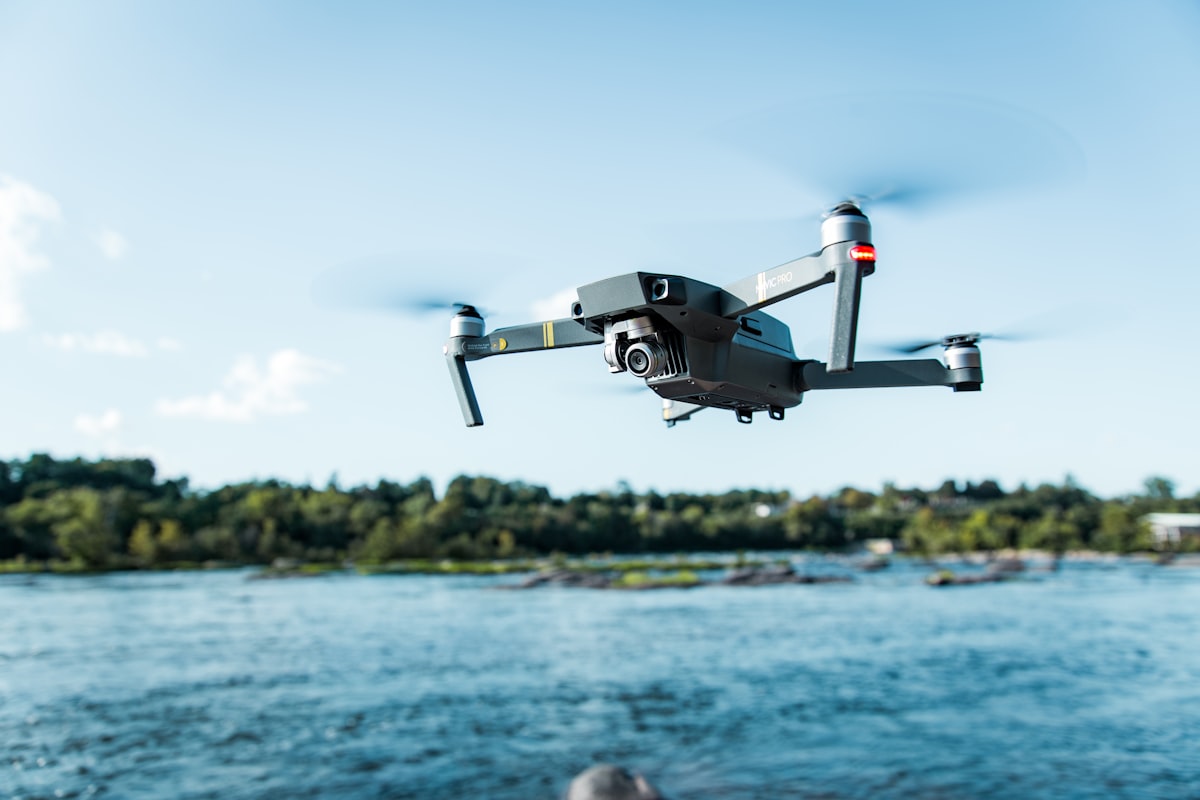
Most everyday drone faults trace back to calibration, firmware, propellers or GPS conditions, and many are fixable at home in minutes. Before you send a drone for repair, work through a short checklist that rules out the cheap, common causes first.
This guide covers the faults hobbyists and professionals meet most often as of 2026, and what to try before paying for service.
Why does my drone drift or fly sideways on its own?
Drift is usually a calibration or trim issue, most often the IMU, compass or a stick that is not centred. Start by landing on a flat level surface and running an IMU calibration, since a drone that thinks it is tilted will constantly correct in one direction.
Work through these in order:
- Check the sticks and trim. Make sure no trim is applied in the app and the controller sticks return to centre cleanly.
- Recalibrate the IMU on a level surface with the drone powered but props off.
- Inspect the propellers. A chipped, bent or wrong-position prop unbalances lift and pulls the aircraft to one side.
- Update firmware. Drift after an update sometimes clears with the next patch, or requires a fresh calibration.
If drift only appears in position hold outdoors and the drone holds fine indoors in attitude mode, the cause is more likely GPS or compass related than a mechanical fault.
What causes toilet-bowling and how do I stop it?
Toilet-bowling, where the drone circles in a widening spiral in position hold, almost always means a compass problem or magnetic interference. The fix is a clean compass calibration performed well away from metal, magnets, cars, rebar and power lines.
To resolve it:
- Move to an open area with no large metal objects nearby, ideally on grass or dirt rather than a car park.
- Run the compass calibration and follow the rotation prompts exactly.
- Remove metal accessories, magnetic mounts and phone cases with magnets from near the aircraft.
- Check that firmware is current, since compass handling improves in updates.
If it persists after a clean calibration in a good location, the compass module itself may be failing and needs service. Compass and IMU calibration deserve their own attention, and there is a dedicated walkthrough in this batch worth reading.
Why won’t my drone get a GPS lock?
A missing or slow GPS lock usually comes down to location, obstructions or interference rather than a broken drone. Move to open sky away from buildings and trees, wait one to three minutes for a cold start, and confirm the satellite count in your app climbs above the minimum your drone needs, often around 10 to 12.
Things that block or delay a lock:
- Flying near buildings, under trees or in urban canyons.
- Interference from nearby transmitters or deliberate jamming.
- A drone that has travelled a long distance since its last flight, which lengthens the cold start.
- Outdated GPS assistance data. Some drones download almanac data through the app, so connect to the internet before you head out.
If you regularly lose lock in the same spot, suspect local interference. Persistent GPS trouble is worth understanding in depth, since it affects safety directly.
My drone won’t power on or the battery won’t seat, what now?
Check the battery charge, contacts and seating first, because a loose or dirty connection mimics a dead drone. Confirm the pack is charged, clean the contacts gently, and make sure the battery clicks fully home.
If it still will not power on:
- Try a second known-good battery to isolate whether the fault is the pack or the aircraft.
- Inspect the battery contacts and the drone terminals for corrosion, dirt or damage.
- Look for swelling. A swollen pack should be retired, not forced into the bay.
- Check for a firmware or update state that leaves the drone in a boot loop, which sometimes needs a forced update through the desktop app.
A pack that powers the drone but shows odd behaviour, sudden voltage drops or wildly inaccurate flight time, is likely worn out and due for replacement.
Why is one motor loud, hot or not spinning?
A noisy, hot or dead motor points to debris, a bearing problem or ESC fault, and it is a genuine safety issue you should not fly through. Power down, remove the prop, and spin the motor by hand to feel for grit, roughness or resistance.
Diagnosis steps:
- Grinding or gritty feel. Debris such as grass, sand or hair has worked into the bearing. Clean it carefully with compressed air.
- One motor much hotter than the others after a flight suggests it is working harder, often due to a damaged prop, bent motor bell or a failing bearing.
- A motor that will not start or stutters may be an ESC or wiring fault, which usually needs professional repair.
Do not keep flying a drone with an audibly failing motor. A mid-air motor failure on most consumer quads means an uncontrolled descent.
When should you stop and send it for repair?
Send it in when the fault involves internal electronics, gimbal mechanics, cracked shells or anything you cannot resolve with calibration, cleaning, props or firmware. Trying to open a sealed smart battery, resolder an ESC without experience, or force a gimbal back into place often causes more damage than the original fault.
Good candidates for professional repair:
- Gimbal motors that grind, drift or will not level.
- Cracked arms or frame damage after a crash.
- Water exposure, which needs proper cleaning before any power-on.
- Persistent faults that survive calibration, firmware updates and part swaps.
Keep a record of what you tried, since a repair shop works faster when you can describe the symptoms and what you already ruled out. Building that operational discipline pairs well with the knowledge in the dronexamine trainer, which covers the rules and safety context around flying.
Common questions
Is it worth fixing an older drone or should I replace it? Compare the repair quote against a used or new replacement, factoring in battery age. If the drone is several generations old and needs a costly gimbal or mainboard, replacement often makes more sense, especially since newer models add safety and Remote ID features.
Can a firmware update fix flight problems? Often yes. Updates fix bugs in flight control, compass handling and battery management. Always update through the official app, on a charged battery, and do not interrupt the process. Never install unofficial firmware, since it can brick the drone or void support.
Why does my drone fly fine indoors but badly outdoors? Indoors it usually relies on downward vision sensors in attitude mode, while outdoors it depends on GPS and the compass for position hold. Bad outdoor behaviour with good indoor flight points to a GPS, compass or interference issue rather than a mechanical fault.
How often should I recalibrate my drone? Only when prompted, after a firmware update, after a crash, or when you travel a long distance to a new region. Calibrating for no reason on a poor surface can introduce errors rather than remove them, so treat it as a fix, not routine maintenance.
Your next step
Build yourself a simple pre-flight and troubleshooting checklist covering props, battery, calibration status, firmware and satellite count, and run it whenever something feels wrong. Fixing the common causes in the right order saves both money and airtime. If your fault is calibration related, read the dedicated compass and IMU calibration guide next, and use the dronexamine guides to keep your operational knowledge as sharp as your maintenance skills.
Related articles
Compass and IMU calibration, when and how to do it
When to calibrate your drone compass and IMU, how to do it correctly, and the mistakes that cause drift and toilet-bowling. A practical field guide.
LiPo battery care for drones, storage and charging
How to store, charge and handle LiPo drone batteries safely. Concrete voltage numbers, storage tips and disposal advice to make packs last longer.
GPS interference and jamming, flying drones safely
How GPS jamming and interference affect drones, how to recognise it, and how to fly safely when your positioning is unreliable. Practical safety guidance.