Reading drone telemetry, what the flight data tells you
Learn to read drone telemetry like altitude, distance, satellites, signal and battery so you can fly with more awareness and catch problems early.
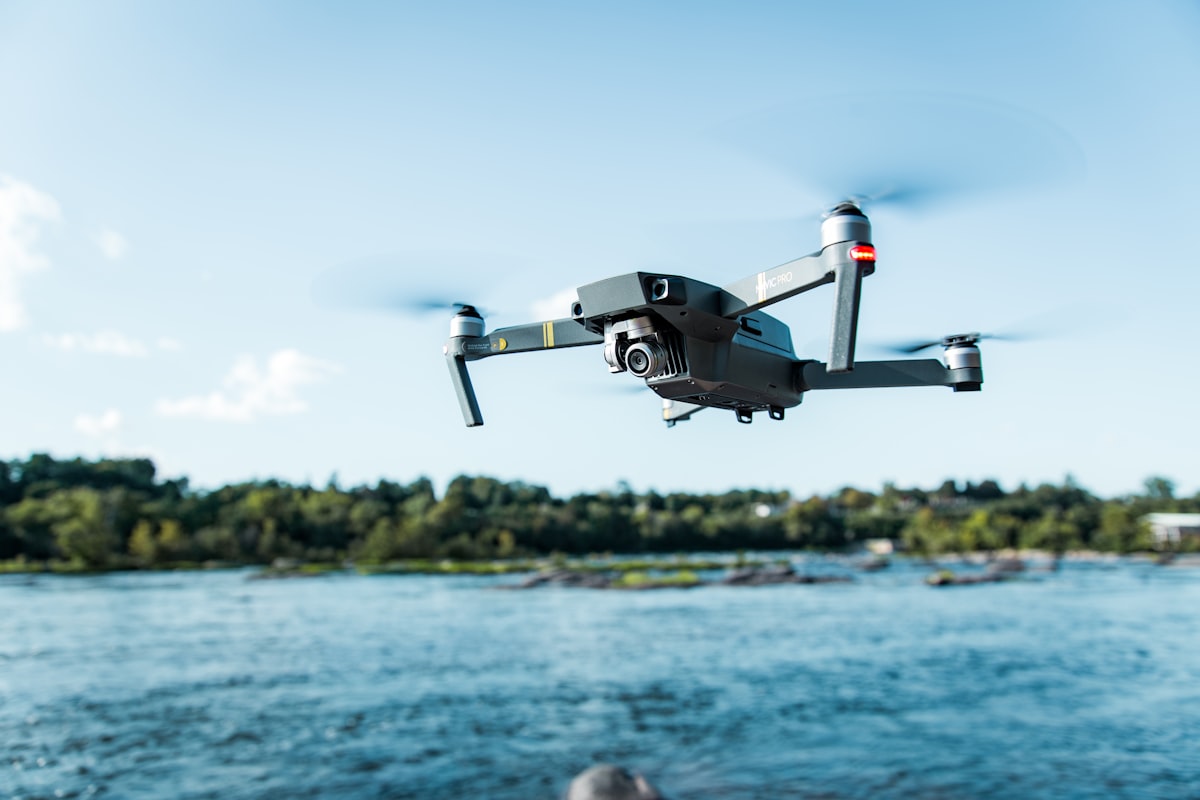
Telemetry is the live flight data your drone streams back to the controller, showing altitude, distance, speed, battery, satellite count and signal strength. Reading it well turns a screen full of numbers into real awareness of what your drone is doing and whether it is safe.
Every modern drone as of 2026 displays this data on the controller or app, yet many pilots watch only the video. Learning what each figure means, and which ones to watch, makes you a safer and more capable pilot. This guide breaks down the key readings.
What are the most important telemetry values?
The values that matter most for safety are battery, distance, altitude, satellite count and signal strength, because those determine whether the drone can return home safely. Watch these before any others.
The core readings:
- Battery. Usually a percentage and sometimes voltage. This is your master limit, since everything depends on getting home with charge to spare.
- Distance and altitude. How far and how high the drone is, relative to the home point.
- Satellite count. How many positioning satellites the drone is using, which affects location accuracy and return-to-home reliability.
- Signal strength. The quality of the radio link between controller and drone.
- Speed. Horizontal and sometimes vertical speed, useful for judging travel time home.
If you glance at nothing else, keep battery, distance and signal in view at all times.
How do you read battery telemetry to fly safely?
Read battery as remaining flight capability, not just a percentage, and always keep enough to return home against wind and cold. The percentage alone can mislead you if you ignore the return journey.
How to think about it:
- Reserve for return. The drone must have enough charge to fly all the way back, which takes more power against a headwind. Turn for home well before the low-battery warning.
- Voltage sag. Under hard throttle or in cold, voltage drops temporarily, and capacity falls faster. Do not trust the last few percent.
- Smart RTH estimates. Many drones calculate a return-now point based on distance and battery. Respect it, but treat it as a floor, not a target.
- Cold weather. Low temperatures cut usable capacity sharply, so keep a bigger reserve when it is cold.
The safest habit is to land with a comfortable margin, ideally 15 to 20 percent, rather than chasing the last minute of flight.
What does the satellite count tell you?
The satellite count shows how well the drone can fix its position, and a low count means unreliable positioning and a risky return-to-home. Wait for a solid lock before you take off.
Reading it right:
- Before takeoff, wait for a strong satellite lock so the home point records accurately. Taking off with too few satellites can set a wrong home point.
- In flight, a dropping satellite count warns of interference or obstruction, which can degrade positioning and return-to-home.
- Low count effects. With poor positioning the drone may drift, hold position less well, or return home inaccurately.
If the satellite count falls sharply mid-flight, treat it as a warning sign and bring the drone back before positioning becomes unreliable.
If you want to understand how positioning and interference affect the rules you fly under, the guides and practice questions in the dronexamine trainer connect the technical data to the operational picture.
How do you use signal strength and warnings?
Treat falling signal strength as an early warning to reduce distance or clear obstructions before the link drops. Warnings and colour-coded indicators are there to prompt action, not to be dismissed.
Practical use:
- Signal bars or percentage. As they fall, the drone is nearing the edge of a reliable link. Fly back, gain height for line of sight, or move obstructions out of the path.
- Colour warnings. Many apps turn indicators amber or red as values approach limits. Act on the first warning, not the last.
- Interference clues. A signal that drops in a specific area points to interference from Wi-Fi, masts or structures.
- Return-to-home triggers. Know what your drone does on signal loss, and set it deliberately in advance.
Reacting early to a weakening signal is what prevents a lost link from becoming a lost drone.
Can telemetry help you diagnose problems?
Yes. Telemetry and flight logs reveal patterns behind erratic behaviour, from interference zones to battery weakness, that are invisible in the moment. Reviewing the data after a flight is a powerful habit.
Ways telemetry helps:
- Spotting interference by matching signal or satellite drops to specific locations.
- Battery health by watching for a pack whose voltage sags earlier than the others.
- After an incident, flight logs can show what the drone was doing when something went wrong.
- Improving over time, by reviewing altitude, distance and speed to fly more efficiently.
Many apps store flight logs you can review later. Using them turns each flight into a lesson rather than just footage.
Common questions
What satellite count is safe for takeoff? Enough for a strong, stable lock, which varies by drone and system. Wait until the app reports a good positioning status rather than a specific number, and check your manufacturer’s guidance for your model.
Why does my drone show a different altitude than expected? Most drones show altitude relative to the takeoff point, not sea level, and barometric readings can drift. Understand which reference your drone uses so you interpret the number correctly.
Should I watch telemetry or the video feed? Both, but never let the video distract you from the key numbers. Keep battery, distance and signal in your awareness at all times, especially as the drone flies further out.
Can I export and analyse my flight logs? Many drones let you access flight logs through the app or a linked service. The detail and format vary by manufacturer, so check what your model offers if you want to analyse flights.
Your next step
On your next flight, pick three values to watch actively, battery, distance and signal, and check them on a regular rhythm rather than staring at the video. Then review the flight log afterwards to spot any patterns. That habit builds real situational awareness. When you want to connect this flight data to the rules and limits you fly under, the guides at dronexamine walk you through the operational side step by step.
Related articles
How to extend drone range safely without breaking rules
Practical ways to improve drone signal range and stay in control, from antenna position to interference, while respecting visual line of sight rules.
GPS interference and jamming, flying drones safely
How GPS jamming and interference affect drones, how to recognise it, and how to fly safely when your positioning is unreliable. Practical safety guidance.
Drone pre-flight checklist for safe, legal flights
A complete pre-flight checklist for drone pilots covering aircraft, environment, airspace and settings so every flight starts safe and legal.